
cURLing
Act I
The Front Yard
Difficulty:
In the center of The Front Yard is the cURLing challenge. Speak to Bow Ninecandle to get info about this objective. This challenge deals with sending http requests with curl. As Bow mentions, reading the help document will serve you well for this one.
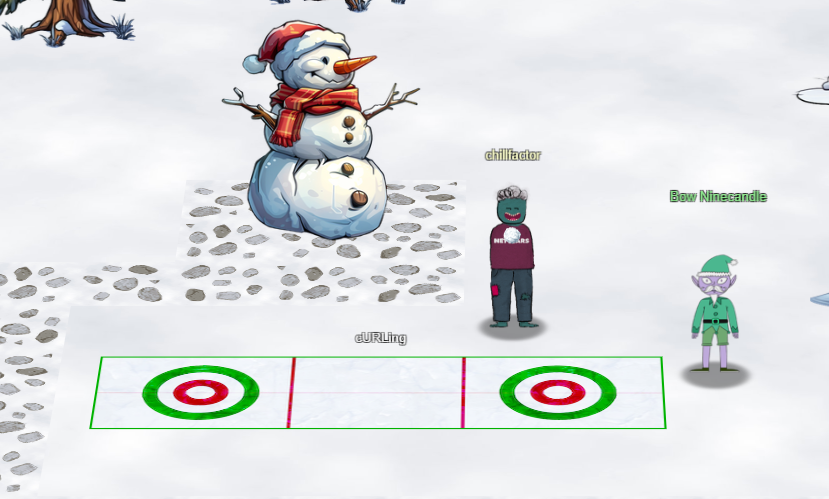
If you have never played Holiday Hack Challenge before, some challenges like this one will be sort of a tutorial followed by a series of tasks. I will lay out each task and what curl command I used to solve it. Click the terminal and say Yes you are ready to begin.
1: Unlike the defined standards of a curling sheet, embedded devices often have web servers on non-standard ports. Use curl to retrieve the web page on host "curlingfun" port 8080. If you need help, run the 'hint' command.
This is the most basic curl command. Simply request the webserver:port and return the output.
curl http://curlingfun:80802: Embedded devices often use self-signed certificates, where your browser will not trust the certificate presented. Use curl to retrieve the TLS-protected web page at https://curlingfun:9090/
To tell curl to not verify the SSL certificate, use the "-k" or "--insecure" option.
curl -k https://curlingfun:90903: Working with APIs and embedded devices often requires making HTTP POST requests. Use curl to send a request to https://curlingfun:9090/ with the parameter "skip" set to the value "alabaster", declaring Alabaster as the team captain.
Use the "-d" option to specify a request POST data. This will also tell curl to set the HTTP method to POST. You can also manually specify the HTTP method with the "-X" or "--method" option.
curl -k -d "skip=alabaster" https://curlingfun:90904: Working with APIs and embedded devices often requires maintaining session state by passing a cookie. Use curl to send a request to https://curlingfun:9090/ with a cookie called "end" with the value "3", indicating we're on the third end of the curling match.
Use the "-b" or "--cookie" option to specify cookie data.
curl -k -b "end=3" https://curlingfun:90905: Working with APIs and embedded devices sometimes requires working with raw HTTP headers. Use curl to view the HTTP headers returned by a request to https://curlingfun:9090/
Use the "-i" or "--show-headers" option to display the response headers.
curl -k -i https://curlingfun:90906: Working with APIs and embedded devices sometimes requires working with custom HTTP headers. Use curl to send a request to https://curlingfun:9090/ with an HTTP header called "Stone" and the value "Granite".
Use the option "-H" to specify custom header a name and value pair.
curl -k -H "Stone:Granite" https://curlingfun:90907: curl will modify your URL unless you tell it not to. For example, use curl to retrieve the following URL containing special characters: https://curlingfun:9090/../../etc/hacks
Use the "--path-as-is" option. Normally curl squashes or merges them according to standards but with this option set you tell it not to do that.
curl -k --path-as-is https://curlingfun:9090/../../etc/hacksCompleting these 7 tasks completes the Silver challenge for this objective.
Once you complete the Silver challenge, Bow Ninecandle will challenge you to go for gold and complete this challenge only using 3 commands.
You know... rumor has it you can breeze through this with just three commands. Why don’t you give it a whirl?"
To get the full context of the Gold challenge, read the file on the terminal "HARD-MODE.txt".
Prefer to skip ahead without guidance? Use curl to craft a request meeting these requirements:
- HTTP POST request to https://curlingfun:9090/
- Parameter "skip" set to "bow"
- Cookie "end" set to "10"
- Header "Hack" set to "12ft"
Combine the options learned from the Silver challenge to set the http method to post, specify post data, set a cookie, and set a custom header.
curl -k -H "Hack:12ft" -b "end=10" -d "skip=bow" https://curlingfun:9090Success! The terminal response with the next challenge.
Excellent! Now, use curl to access this URL: https://curlingfun:9090/../../etc/button
This is exactly like Task 7 from the Silver challenge.
curl -k --path-as-is https://curlingfun:9090/../../etc/buttonGreat! Finally, use curl to access the page that this URL redirects to: https://curlingfun:9090/GoodSportsmanship
Use "-L" flag to enable following redirects on requests that respond with 3XX status codes.
curl -k -L https://curlingfun:9090/GoodSportsmanshipExcellent work, you have solved hard mode! You may close this terminal once HHC grants your achievement.
The terminal lets us know we completed Hard mode and got the Gold trophy!
| Frosty Keypad | Where to next? | Hardware Hacking 101 |
Holiday Hack Challenge 2024 Report - Cody Travis <cody@chillaspect.com>