| Holiday Hack Challenge 2023 Report | Cody Travis <cwtravis@gmail.com> |
The Geese Islands have amazing fish which are really fun to catch. They seem to be AI generated as many of the assets of the challenge are this year.
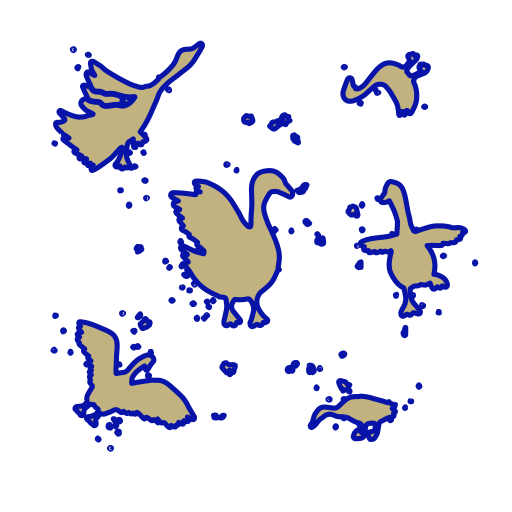
Below is a comprehensive list of fish available to be caught in the Geese Islands area. I also included the density map for each fish. The density map tells you where to look for the highest probability of catching that particular fish.
Pescadex |
||||
1234 |
||||
|
Hash: |

|
|||
|
||||
When the "Reel It In" button turns red, click it to reel the fish in.
The resulting source code reveals a link to a page apparently meant only for the Devs, but in their haste to produce this game, "forgot" to remove it:
<body>
    <!-- <a href='fishdensityref.html'>[DEV ONLY] Fish Density Reference</a> -->
    <div class="overlay"></div>
    <div class="ui">
        <button class="quitrace">Exit Race</button>
        <button class="castreel">Cast Line</button>
        <button class="reelitin">Reel it in</button>
        <button class="openpescadex">Pescadex</button>
        <button class="setbearing">Set Bearing</button>
        <button class="sayAhoy">AHOY!</button>
        <button class="settingsBtn">
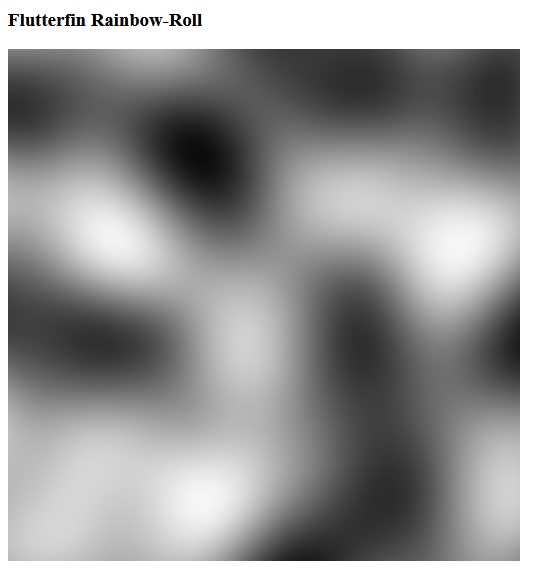
On that page is the full list of available fish that can be caught as well as a density map that reveals where in the Geese Islands that fish can be caught. The white areas indicate hot spots for the fish and dark areas indicate where the fish is not present.
Here is an example of a fish density map for the "Flutterfin Rainbow-Roll":
Feel free to sail and catch all the fish manually, or scroll down and check out how I automated it.
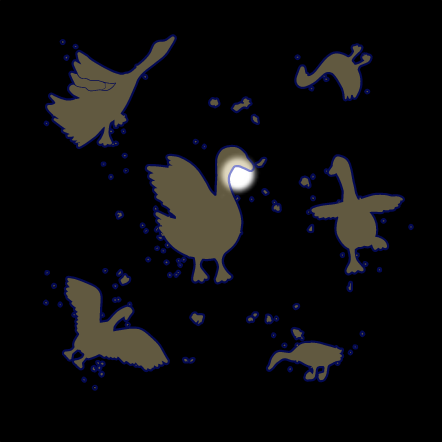
There is only one small area by the "goose neck" of Steampunk Island where this fish can be caught. Go there and fish for a few minutes and you will likely catch it. It looks like this:
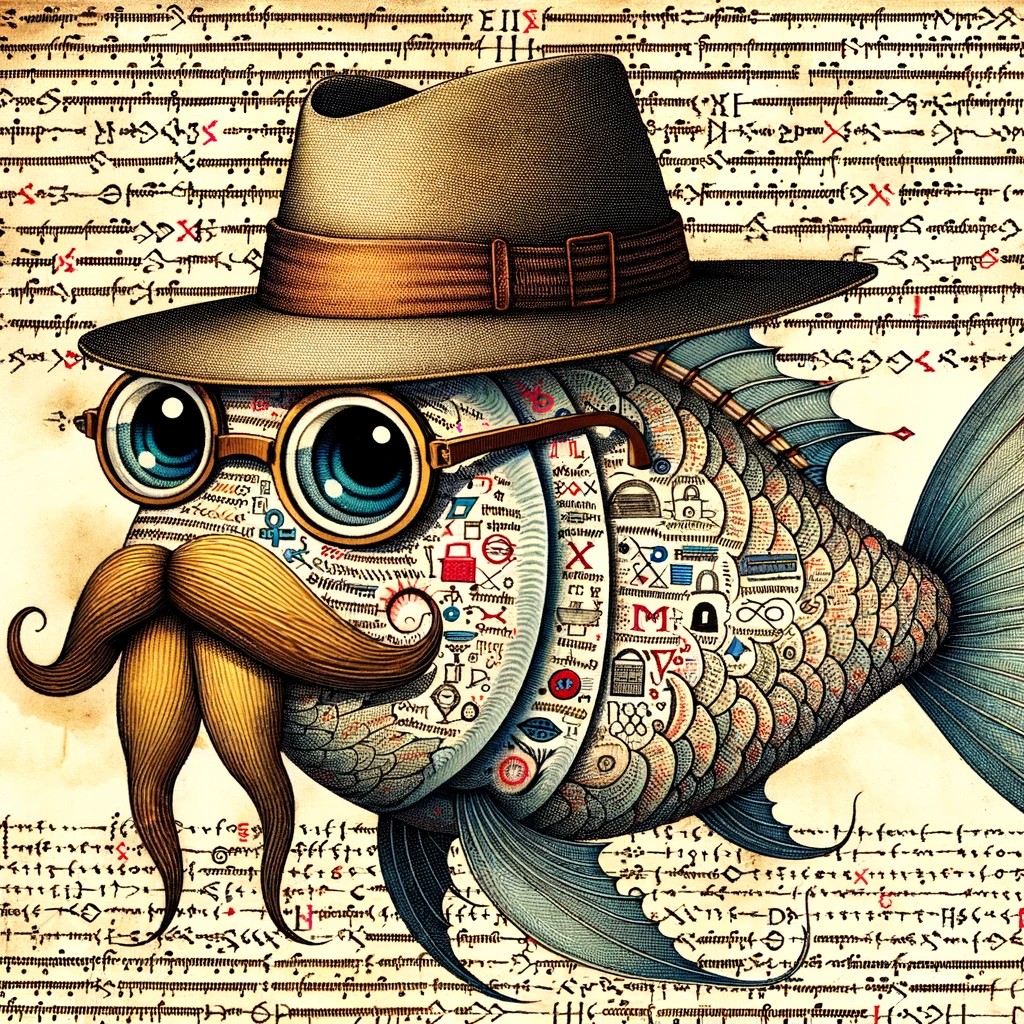
It is quite fitting that this fish is found near Steampunk Island seeing as it bears a striking resemblance to the one and only Ed Skoudis!
Once you have caught all the fish, including Piscis Cyberneticus Skodo, head back to Squarewheel Yard on the Island of Misfit Toys and speak with Poinsetta McMittens to complete the "BONUS! Fishing Mastery" challenge. Note: If you will also complete the "BONUS! Fishing Guide" challenge simultaneously if you did not speak with Poinsetta McMittens in between catching 170 and 171 fish.
If you need a refresher on Local Overrides check out my solution to Elf Hunt
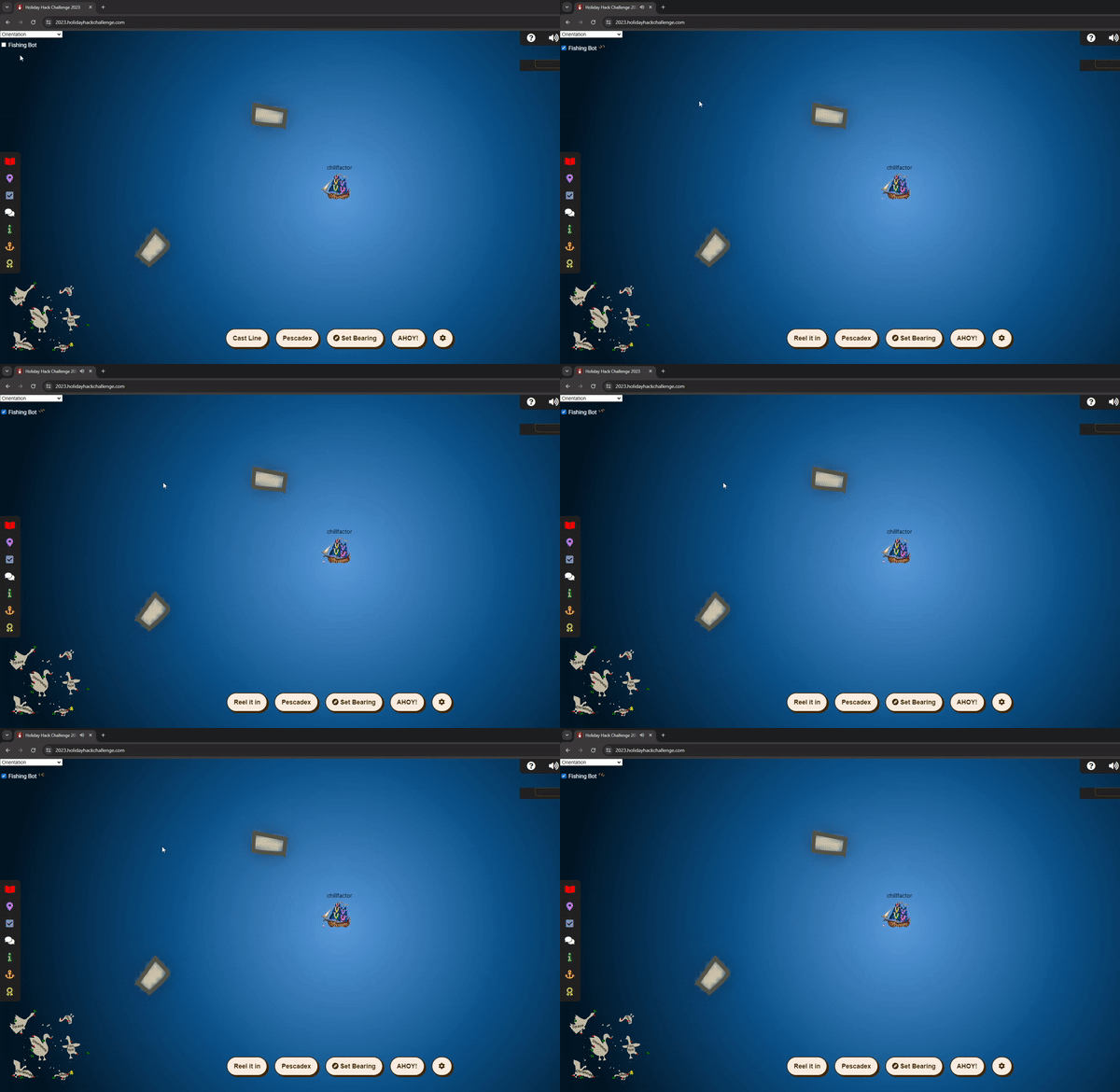
Once Local Overrides are setup, you can edit the document and those changes will persist on reload. After analyzing the fishing process, I decided to add a checkbox at the top of the screen to turn the bot on and off, timer functions to cast the reel, wait for a fish, reel it in, dismiss the pescadex dialog, and repeat. The file to edit is https://2023.holidayhackchallenge.com/sea/js/client.js
I injected the following code. I will add comments for clarity:
//Global variable to know when the fishing bot is active
var fishingBotGo = false;

// Function called when the checkbox is clicked to toggle
// Fishing bot on and off
function toggleFishing(){
    let ele = document.getElementById("fishingLabel");
    fishingBotGo = !fishingBotGo;
    if(fishingBotGo){
        ele.innerHTML = "Fishing Bot <img src='img/loading.gif' style='margin-top: 5px; height:20px; width:auto;'>";
    }else{
        ele.innerHTML = "Fishing Bot";
    }
}

// Function that gets called 2s after page load that injects the
// Fishing Bot checkbox
setTimeout(function() {
    var elemDiv = document.createElement('div');
    elemDiv.style.cssText = "position:absolute; top: 30px; width: 200px; height: 50px; color: white; leftbackground-color: red; z-index:9999; vertical-align: middle;";
    elemDiv.innerHTML = `
<input type='checkbox' id='fishingBotGo' value='Fishing Bot' onclick='toggleFishing();' unchecked>
<label id='fishingLabel' for="fishingBotGo">Fishing Bot</label>
`;
    document.body.appendChild(elemDiv);
}, 2000);

// Function that is called over 500ms that clicks the "Reel It In" button
// when there is a fish on
setInterval(function() {
    if(!fishingBotGo) return;

    let reelBtn = document.getElementsByClassName("reelitin");

    if (reelBtn.length > 0) {
        if (reelBtn[0].classList.contains("gotone") && reelBtn[0].style.display == "block") {
            reelBtn[0].click();
            setTimeout(updateFishCaught, 1000);
        }
    }
}, 500);

// Function called every 500ms to dismiss the pescadex dialog
// when a fish is caught
setInterval(function() {
    if(!fishingBotGo) return;
    let closePescBtn = document.getElementsByClassName("closefeesh smol");

    if (closePescBtn.length > 0) {
        if (closePescBtn[0].style.display != "none") {
            closePescBtn[0].click();
        }
    }
}, 500);

// Function that is called every 500ms to cast the reel when
// its available to do so
setInterval(function() {
    if(!fishingBotGo) return;
    let castBtn = document.getElementsByClassName("castreel");

    if (castBtn.length > 0) {
        if (castBtn[0].style.display != "none") {
            castBtn[0].click();
        }
    }
}, 500);
Check it out in action: