| Holiday Hack Challenge 2023 Report | Cody Travis <cwtravis@gmail.com> |
Difficulty: |
|
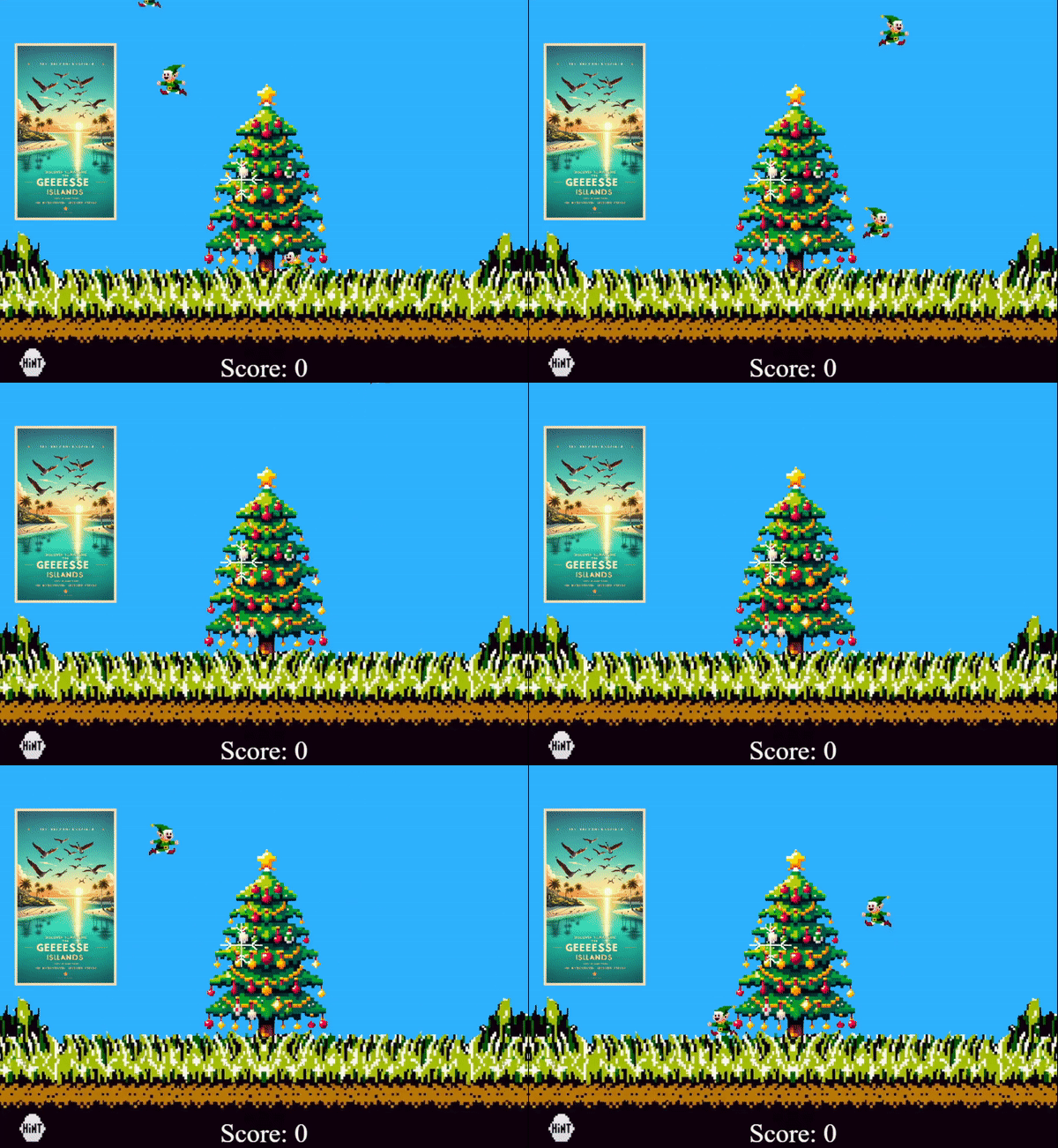
Beating this game legit is pretty difficult, so I resorted to hacking the game instead. I found a few methods to either beat it automatically or make it significantly easier.
JWT is used in Elf Hunt to set the speed of the elves. Because the game is rendered and played client-side, JWT's are not particularly secure or useful in this situation. One reason JWT is not ideal here is that the game has no real way of ensuring that the token hasn't been tampered with. Usually JWT's are signed with a secure hashing algorithm, and then that signature is verified on the server-side. Since the game is rendered client-side, no signature verification can take place. Even if it could be verified, the hashing algorithm is set to "none", meaning no signature is supplied at all.
A typical JWT looks like this:
The header and data sections decode to:
{
  "alg": "HS256",
  "typ": "JWT"
}
{
  "sub": "1234567890",
  "name": "John Doe",
  "iat": 1516239022
}
The JWT from Elf Hunt is stored as a cookie, and can be viewed and edited by any browser by using the devtools. For example in Chrome, press F12 to show the devtools and click the tab Application > Storage > Cookies > https://elfhunt.org. The cookie "ElfHunt_JWT" will be visible. Double click the value to edit it.
Here is an example of the JWT from the game:
Which decodes to:
{
  "alg": "none",
  "typ": "JWT"
}
{
  "speed": -500
}
Since the Elf Hunt JWT is not signed, we can safely edit the "-500" to "-50" and base64 encode the sections. After setting the speed to "-50", the JWT looks like this:
Note that in JWT, the padding "=" are not included that are typical in base64 encoded strings. Simply replace your cookie with the above value and reload the Elf Hunt game. The elves will be slower and easier to click.
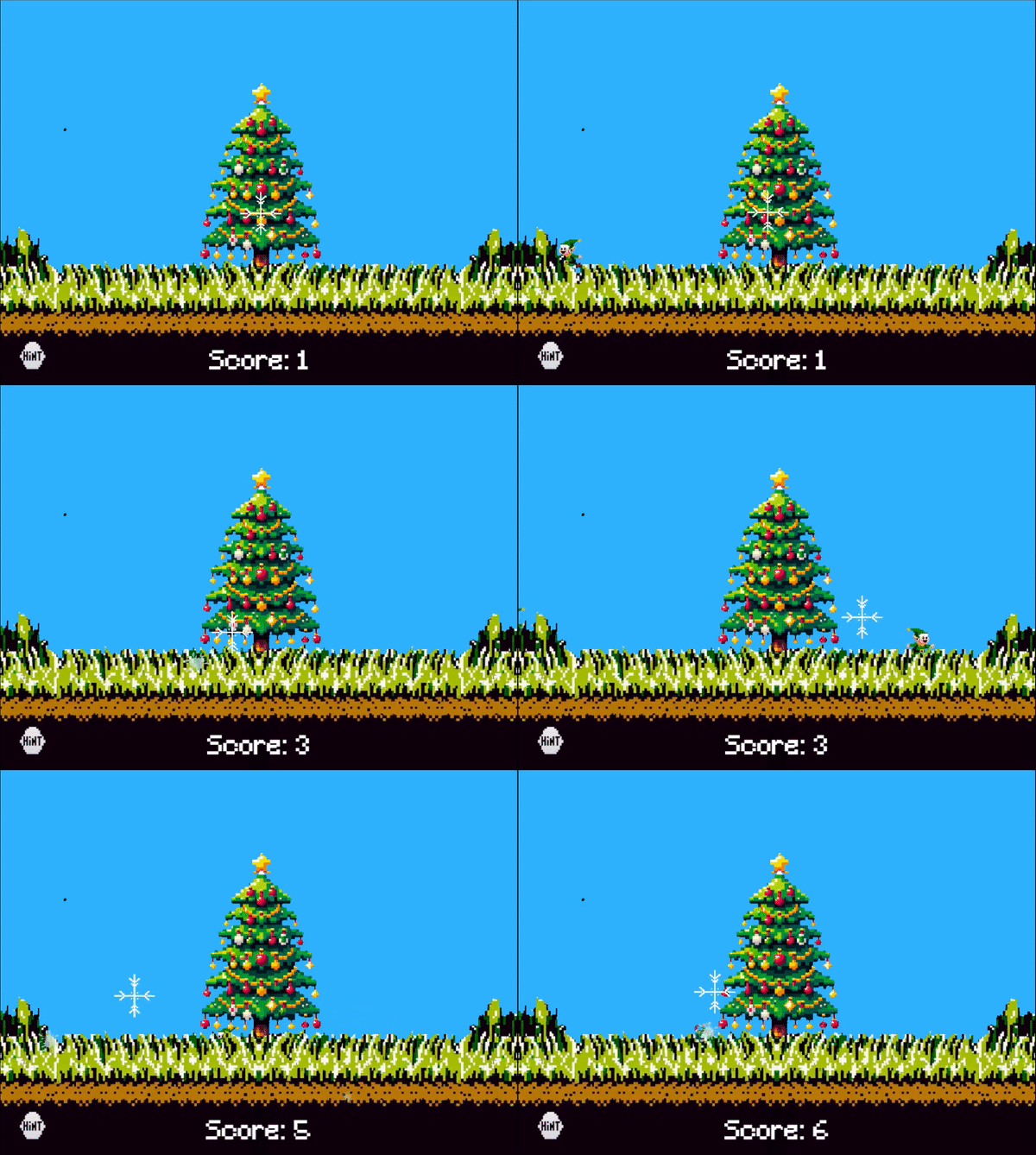
Here is an example of how to enable Local Overrides in Chrome: Local Overrides
Once Overrides are enabled, just load the Elf Hunt game and show the devtools with F12. In the network tab, find the Elf Hunt URL, right-click it and select "Override Content". This will open the page source in the Sources tab. Any changes you make to the page source will be reflected on the next refresh of the page.
To quickly beat Elf Hunt, find the javascript function that is called that spawns new elves. It is located in the function "create()", which sets up the game when the page loads:
function create() {
    gameScene = this, this.input.topOnly = !0, this.input.setDefaultCursor("none"), (crosshair = this.add.image(200, 50, "crosshair").setOrigin(.5, .5).setDepth(2)).setScale(.08);
    var e = this.add.image(0, 0, "overlay").setDepth(1).setOrigin(.5, 1);
    e.setScale(.25);
    let t = this.cameras.main.centerX,
        a = 2 * this.cameras.main.centerY;
    e.setPosition(t, a), landing = gameScene.add.image(400, 250, "landing").setScale(.6).setDepth(2).setOrigin(.5, .5).setInteractive(), gameScene.input.once("pointerdown", (function() {
        landing.destroy()
    }));
    var s = !1;
    button = this.add.image(50, 550, "button").setDepth(1).setScale(.6).setInteractive(), button.on("pointerdown", (function() {
        s ? (gameScene.sound.play("ding"), s = !1, hint.destroy()) : (gameScene.sound.play("ding"), hint = gameScene.add.image(400, 250, "hint").setDepth(2).setOrigin(.5, .5), hint.setScale(.6), s = !0)
    })), (scoreText = this.add.text(t, a - 20, "Score: 0", {
        fontFamily: "DigitalFont",
        fill: "#fff",
        fontSize: "40px"
    }).setOrigin(.5, 1)).setDepth(1), elves = this.physics.add.group({
        key: "elf",
        setXY: {
            x: 12,
            y: 600,
            stepX: 70
        }
    }), spawnElf = () => {
        if (elves.countActive(!0) < 10) {
            const a = Phaser.Math.Between(100, 700),
                s = elves.create(a, 2 * this.cameras.main.centerY, "elf");
            s.isHit = !1, s.setVelocityY(speed);
            var e = Math.random() < .5 ? -1 : 1;
            s.flipX = e < 0;
            var t = 80 * e;
            s.setVelocityX(t), s.setScale(.1), s.setOrigin(0, 0), s.setInteractive(), s.on("pointerdown", (function(e) {
                s.isHit || (s.isHit = !0, s.snow = gameScene.add.image(s.x, s.y, "snow").setOrigin(0, 0).setDepth(1), s.snow.scale = .1, gameScene.sound.play("splat"), s.setVelocityX(0), s.setVelocityY(0), gameScene.tweens.add({
                    targets: [s, s.snow],
                    scaleX: 0,
                    scaleY: 0,
                    alpha: 0,
                    angle: "+=1900",
                    y: 2 * gameScene.cameras.main.centerY,
                    duration: 2e3,
                    onComplete: function() {
                        s.destroy()
                    }
                }), score++, scoreText.setText("Score: " + score))
            }), s)
        }
        this.time.addEvent({
            delay: Phaser.Math.Between(200, 1e3),
            callback: spawnElf,
            callbackScope: this
        })
    }, vToken ? (__POST_RESULTS__(vToken), landing.setAlpha(0), button.setAlpha(0), scoreText.setAlpha(0), youwin = gameScene.add.image(400, 200, "youWin").setScale(1).setDepth(2), tokenbutton = gameScene.add.image(400, 475, "token").setScale(.8).setDepth(1).setInteractive(), tokenbutton.on("pointerdown", (function() {
        youwin.setAlpha(0), tokenbutton.setAlpha(0), hint = gameScene.add.image(400, 250, "journal").setScale(.8).setDepth(2).setOrigin(.5, .5)
    }))) : (spawnElf(), gameScene.time.addEvent({
        delay: 12e3,
        callback: displayRandomPoster,
        callbackScope: this
    }))
}
At the bottom of the spawnElf function, I added a "setTimeout" function that will simply cause each newly create elf to emit a click event on itself 500 ms after its spawned. The code I added looks like this:
setTimeout(function(){
	s.emit("pointerdown");
}, 500)
Adding it to the spawnElf function results in the following code:
spawnElf = () => {
if (elves.countActive(!0) < 10) {
	const a = Phaser.Math.Between(100, 700),
		s = elves.create(a, 2 * this.cameras.main.centerY, "elf");
	s.isHit = !1, s.setVelocityY(speed);
	var e = Math.random() < .5 ? -1 : 1;
	s.flipX = e < 0;
	var t = 80 * e;
	s.setVelocityX(t), s.setScale(.1), s.setOrigin(0, 0), s.setInteractive(), s.on("pointerdown", (function(e) {
		s.isHit || (s.isHit = !0, s.snow = gameScene.add.image(s.x, s.y, "snow").setOrigin(0, 0).setDepth(1), s.snow.scale = .1, gameScene.sound.play("splat"), s.setVelocityX(0), s.setVelocityY(0), gameScene.tweens.add({
			targets: [s, s.snow],
			scaleX: 0,
			scaleY: 0,
			alpha: 0,
			angle: "+=1900",
			y: 2 * gameScene.cameras.main.centerY,
			duration: 2e3,
			onComplete: function() {
				s.destroy()
			}
		}), score++, scoreText.setText("Score: " + score))
	}), s),
	setTimeout(function(){
		s.emit("pointerdown");
	}, 500)
}
Now each elf clicks itself directly after spawning!
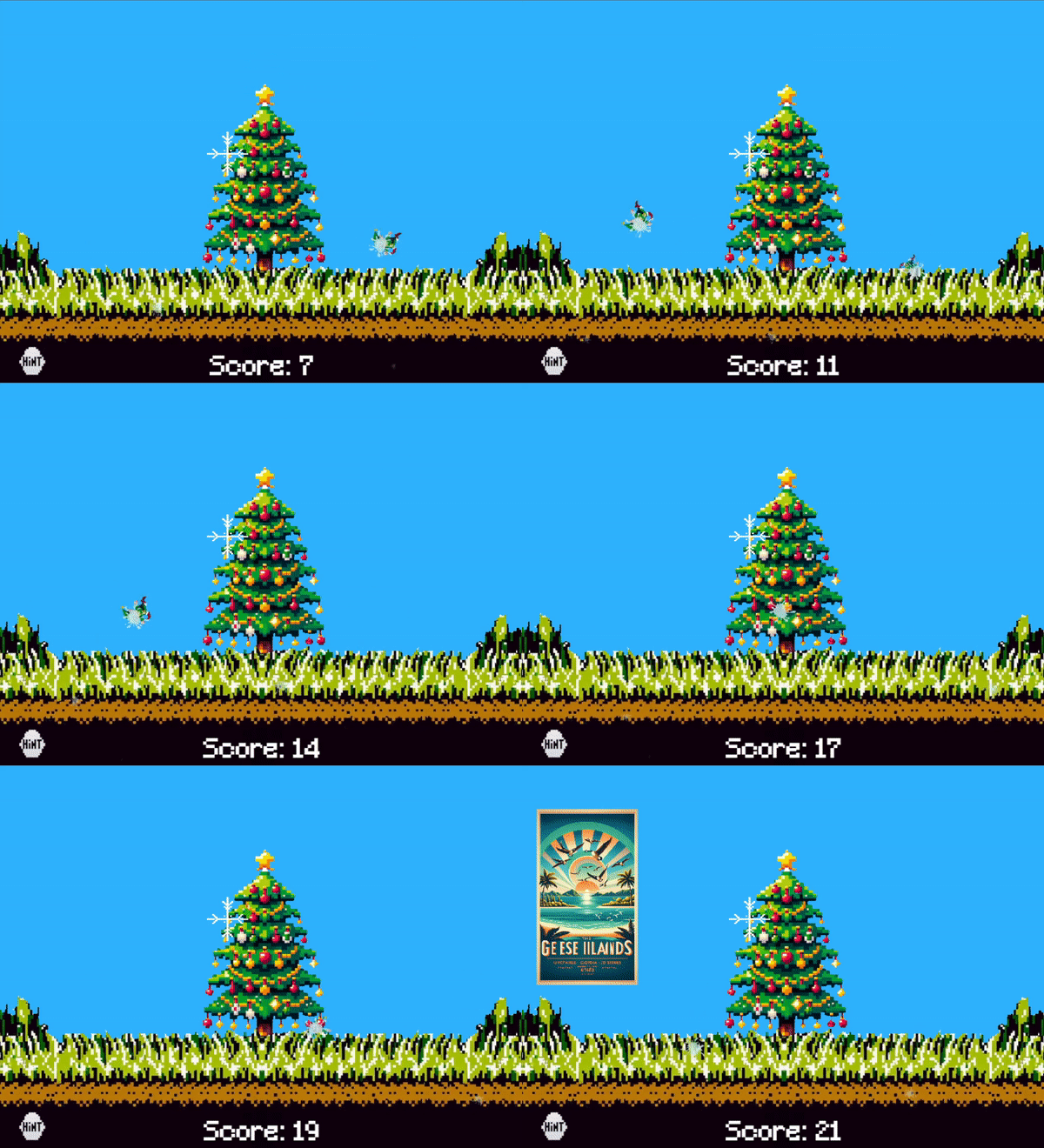
There are plenty of other approaches to altering the game to be easier (e.g. setting the score programatically to 75, making the elves stationary, making the elves die when they leave the game area, etc.) One thing I wanted to mention here is that there is a value "vToken" that is set to false at the top of the script. If you set that value to true and refresh, the game thinks you have won and displays the victory screen.
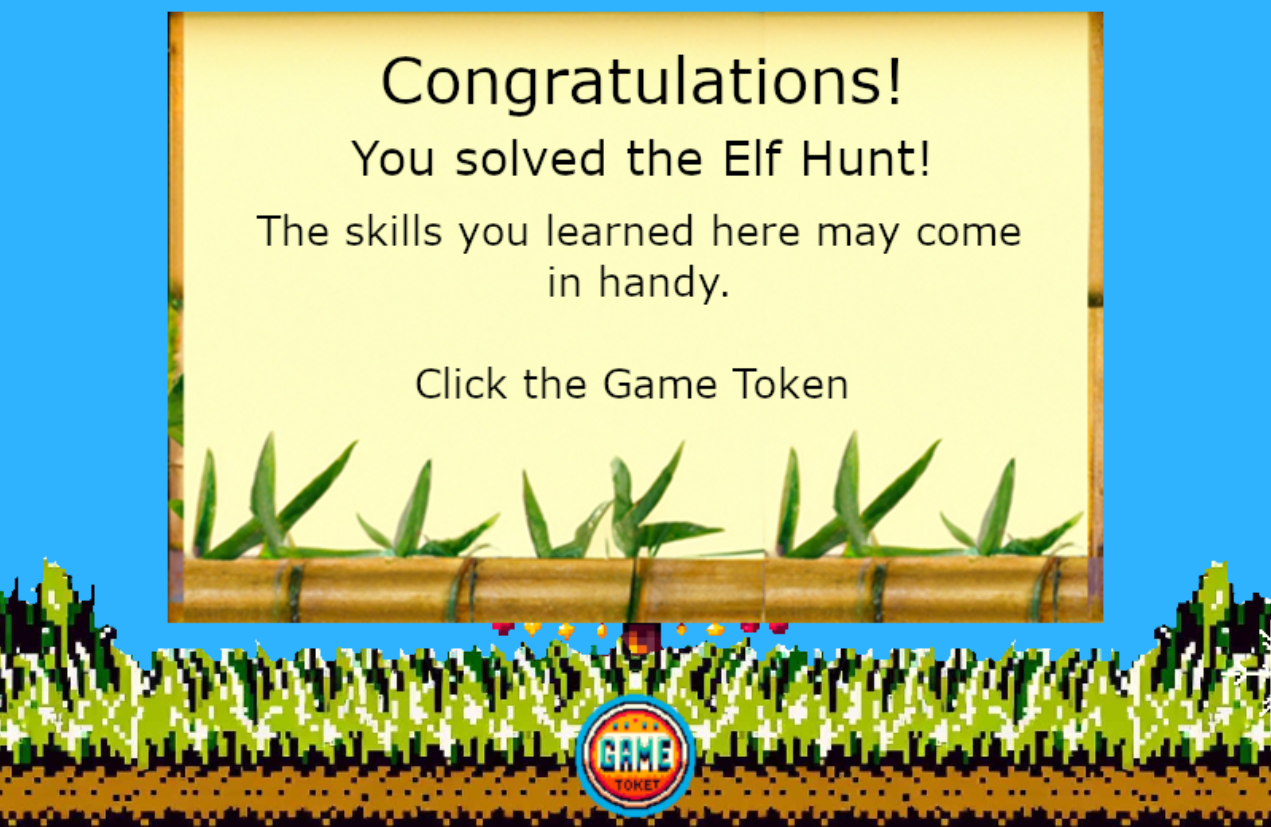
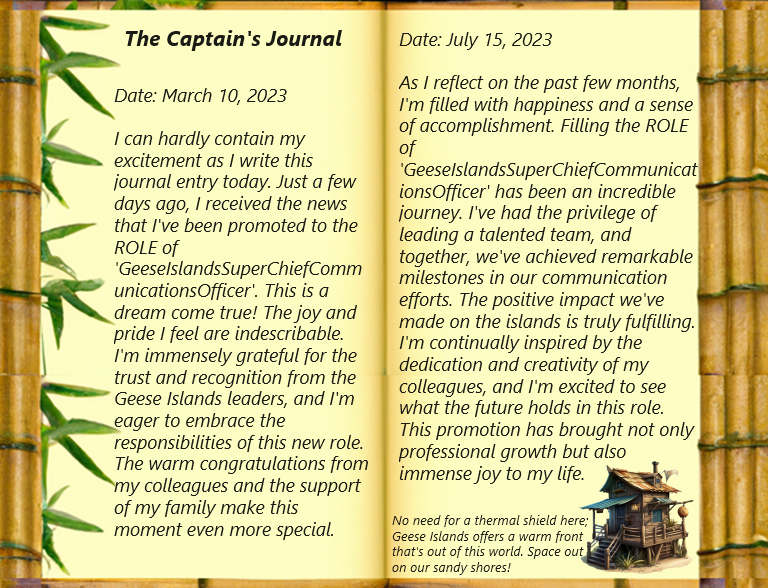
Once the game token is clicked, you get to view the Captain's Log which reveals clues about the plot of Holiday Hack Challenge 2023.